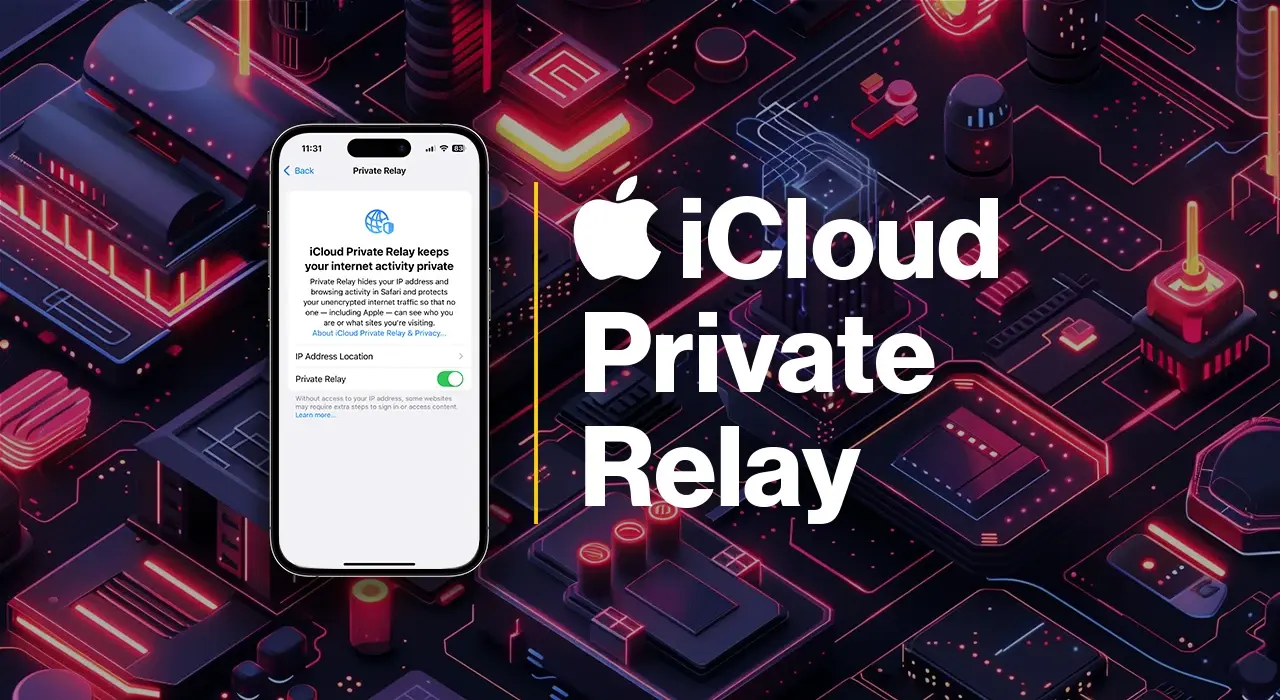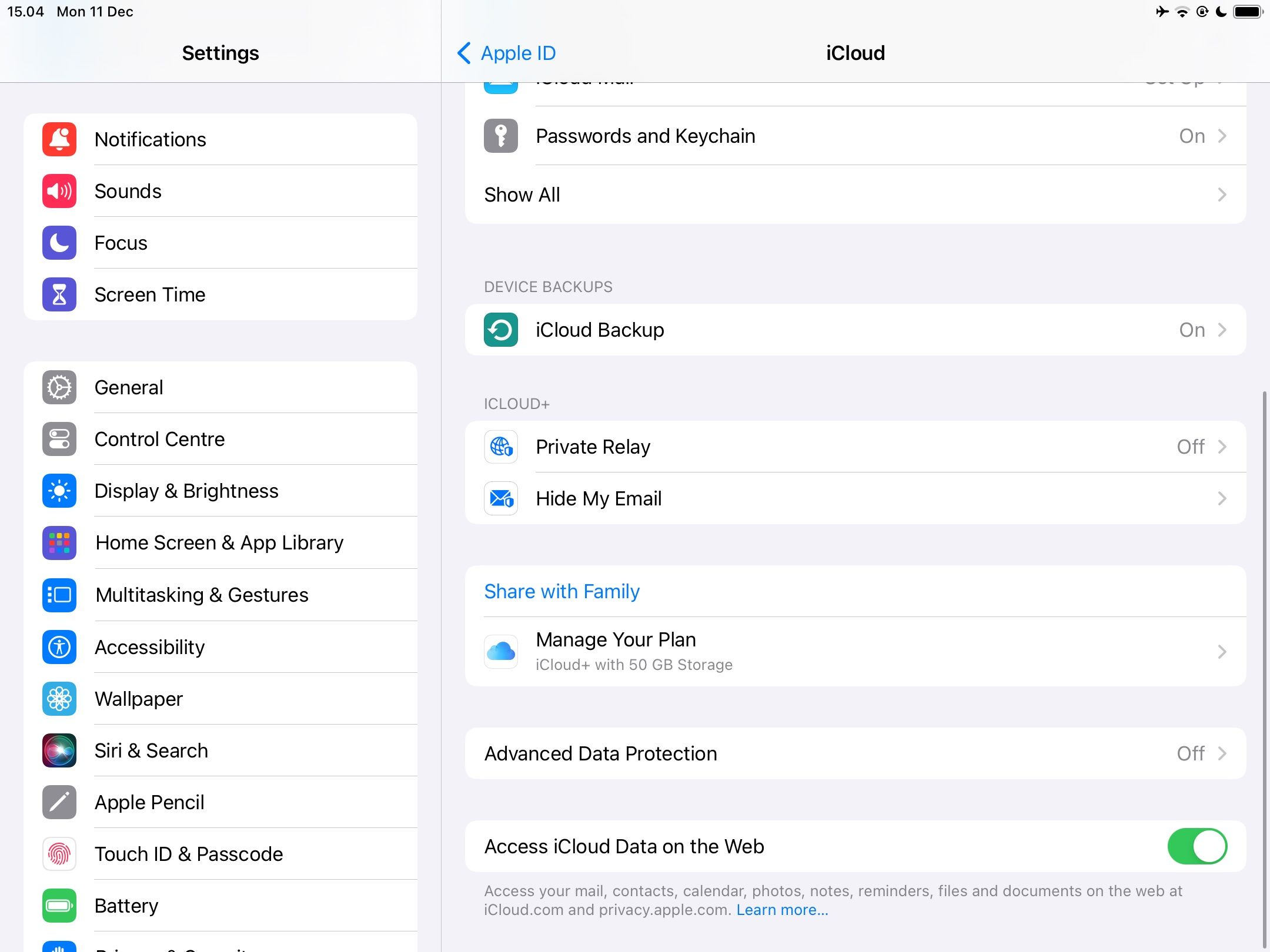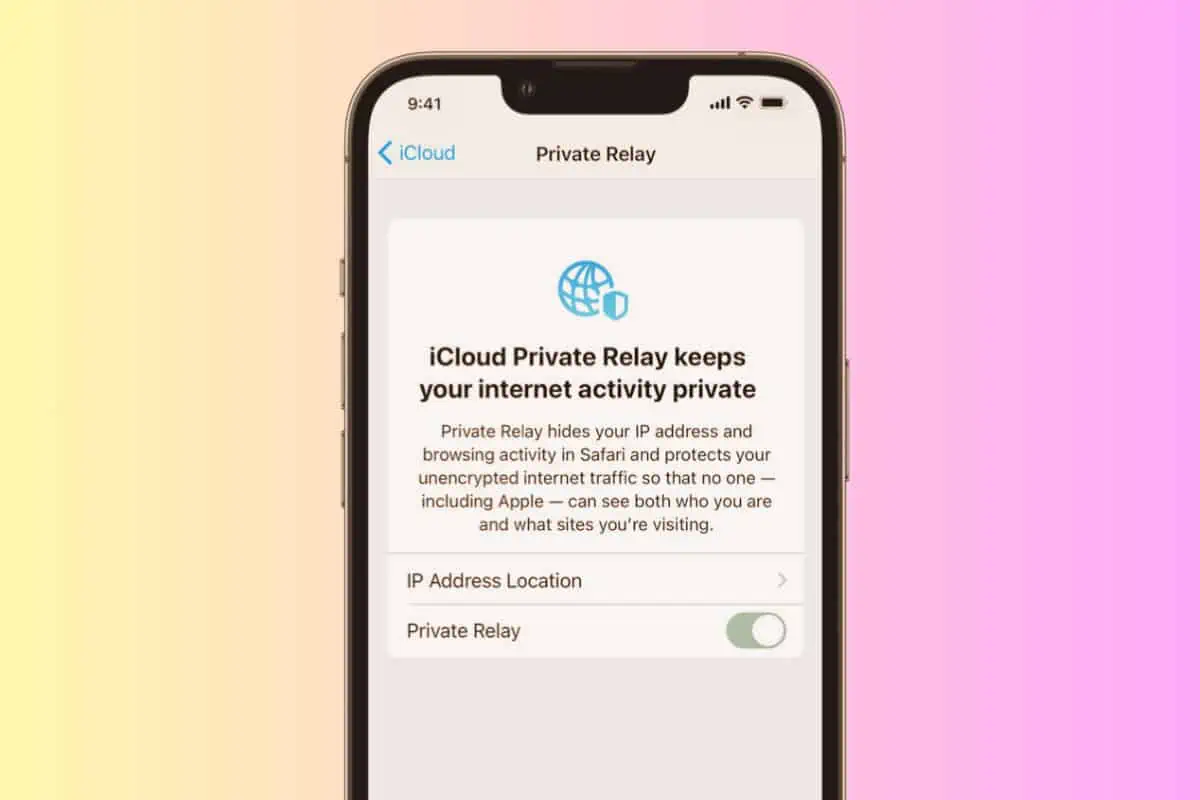
So, you’ve got this fancy iPhone. It’s got all these bells and whistles, right? And then, BAM! You see this thing called Private Relay pop up. What on earth is it? Is it like a secret agent for your internet surfing? Does it wear a tiny trench coat and fedora? Maybe it has a hidden compartment for your embarrassing search history. Honestly, who knows these days with all the tech jargon. It sounds all very important and very… well, private. Like a VIP section for your Wi-Fi.
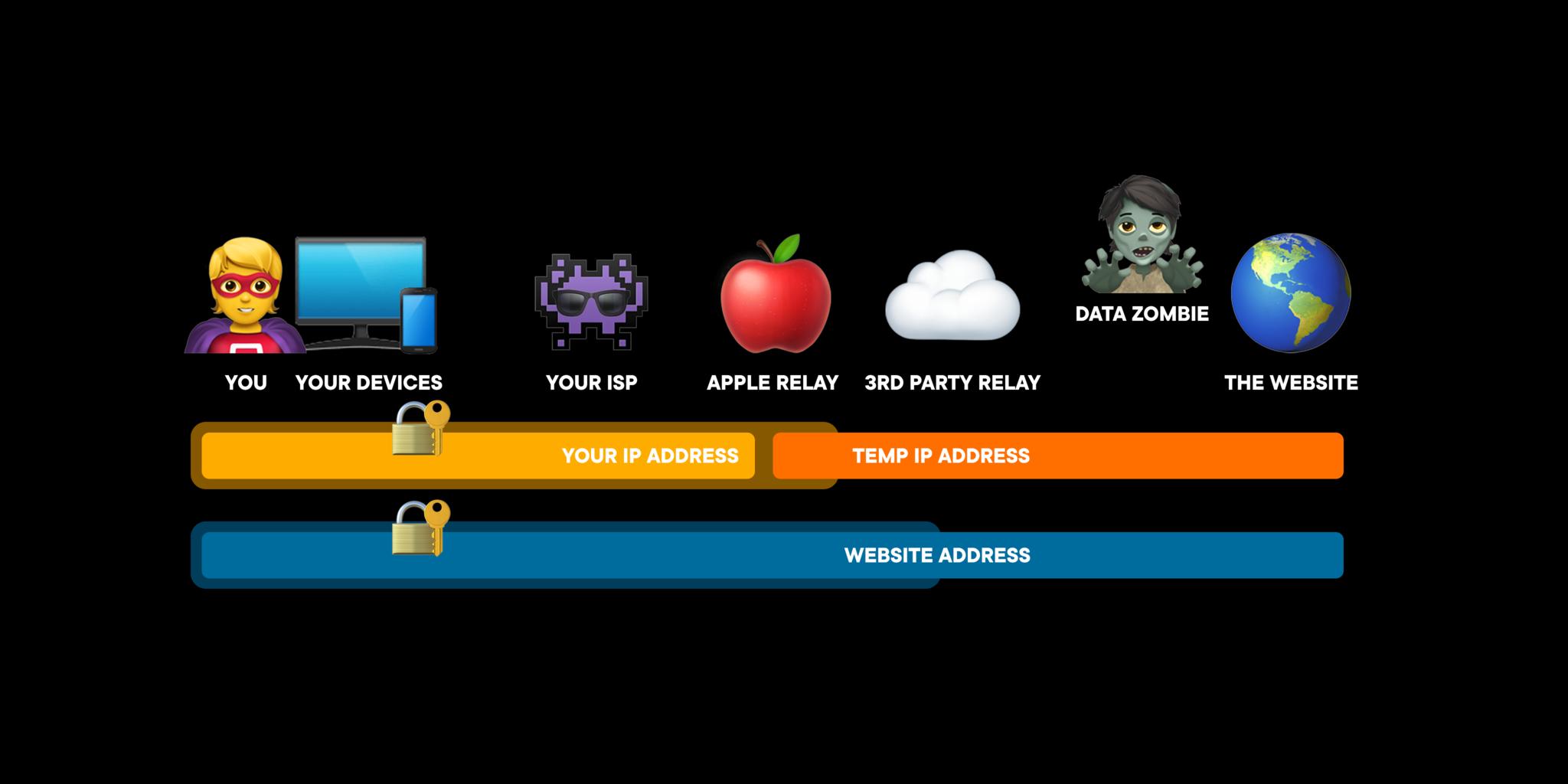
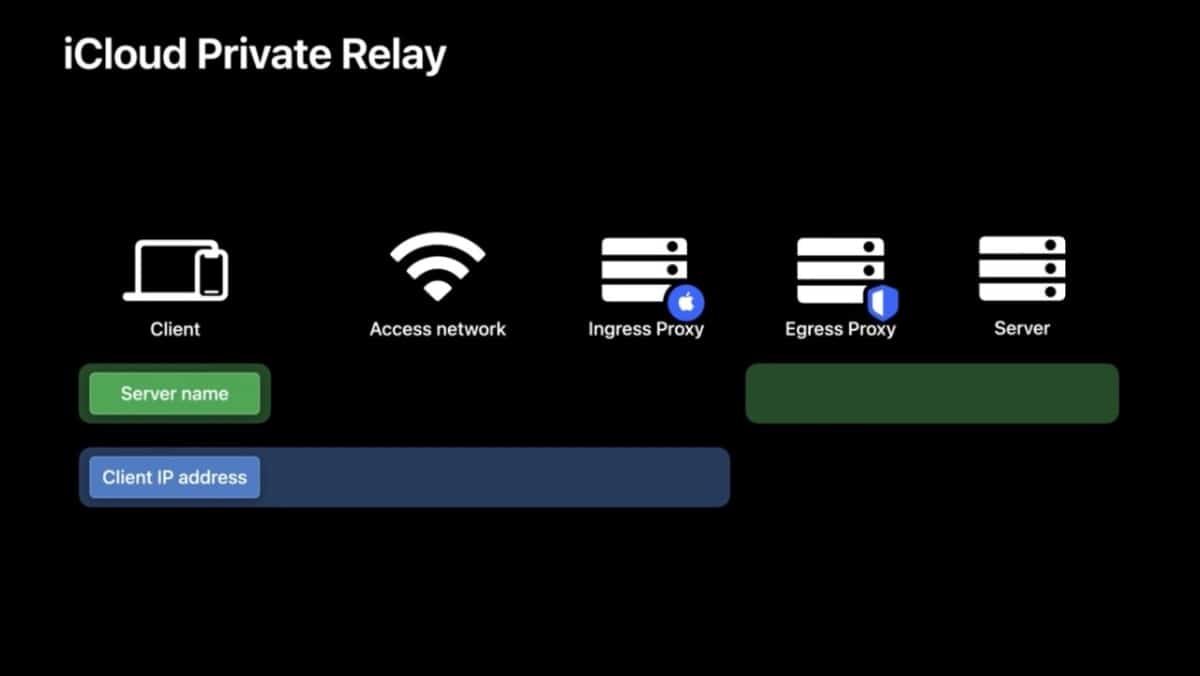
Let’s break it down, or at least try to. Imagine your internet connection is like a highway. Normally, everyone can see which exit you’re taking, where you’re going, and maybe even what kind of car you’re driving (your IP address, if we’re getting technical, but let’s not). Private Relay is like this super-secret, twisty-turny detour. It’s not just a normal detour, mind you. It’s more like a series of secret tunnels and surprise exits. Your traffic goes through one tunnel, then pops out somewhere else, then goes through another tunnel, and finally emerges at your destination. It’s like a magical mystery tour for your data.
Think about it. When you browse the web normally, websites can see where you’re coming from. It’s like shouting your address across the street. They can track your movements, see which pages you visit, and build a little profile of you. It’s not exactly the kind of attention I, personally, am always looking for. I’m not trying to audition for a reality show about my online habits. So, Private Relay tries to make that harder. It masks your real location. It’s like putting on a disguise when you go out. Nobody knows it’s really you. They just see a mysterious figure lurking around the internet. Very intriguing, isn't it?
Here’s the fun part, and this is where my maybe unpopular opinion comes in. It’s supposed to keep things super private. Like, really, really private. So private, in fact, that even Apple, the company that’s providing this whole shebang, can’t see exactly what you’re doing. They’re like the gatekeepers of the secret tunnels, but they don’t get to peek inside your car. This is supposed to be a good thing, right? Privacy is good. Less snooping is good. More anonymity is good. All these words that make us feel safe and secure.
But here’s the thing. Sometimes, it feels like it’s too private. It’s like giving your phone a secret identity. And while that sounds cool in theory, sometimes it makes things… complicated. You know how sometimes you’re trying to log into your bank, and it says, "Hmm, where are you logging in from today?" And you’re like, "Uh, my couch, Brenda. The same couch I’ve been on for the last three hours." Well, with Private Relay, your "couch" might suddenly be in a different country. Suddenly, your bank is doing a double-take. They’re all, "Hold on a minute! Is this really you, or is it a highly sophisticated internet cat burglar?"

And don’t even get me started on streaming services. You’re trying to watch your favorite show, and suddenly it says, "This content is not available in your region." What region? I’m in my living room! My living room is clearly in my region. Unless Private Relay has decided my living room is now a vacation destination in, say, Belgium. Then I guess I need to brush up on my Flemish. It’s like your phone is playing a game of geographical hide-and-seek with the entire internet, and sometimes it wins too well.
I’m not saying Private Relay is bad. Far from it. The idea of increased privacy is fantastic. It’s like having a digital cloak of invisibility. But sometimes, that cloak is so effective, it makes you a little too invisible. You’re like a ghost in the machine, and the machine is starting to get a bit confused. It’s a good problem to have, I suppose. Better than the alternative, where everyone knows exactly what brand of cat food you're researching at 3 AM. We’ve all been there, haven’t we?

It’s like your phone is playing a game of geographical hide-and-seek with the entire internet, and sometimes it wins too well.
So, what’s the verdict? Private Relay is a nifty feature that beefs up your online privacy. It’s a modern-day digital bodyguard, working tirelessly to shield your online activities. It uses a clever system of routing your internet traffic through multiple servers, making it harder for websites and even your own internet provider to track your browsing habits. It’s all about keeping your digital footprint as small and as smudged as possible. It adds an extra layer of security, like putting a stronger lock on your digital front door. And who doesn’t want a stronger lock?
But, and this is my little quirk, sometimes I miss the simplicity of just… being me. Of my phone knowing where I am, and the websites knowing too. It’s less hassle. Less "are you a robot?" tests. Less confusion about which country I’m supposed to be in. It’s a trade-off, I guess. More privacy versus a touch more convenience. For some, the privacy is paramount. For others, like myself on a Tuesday morning before my first coffee, a little less digital mystery might be a welcome change. So, if your iPhone is suddenly acting a little bit like a globetrotting spy, you might just have Private Relay to thank. And maybe, just maybe, offer it a tiny virtual cup of tea for its efforts. It’s probably doing its best, even if it means you can’t stream that obscure documentary about competitive dog grooming from your usual spot on the sofa. Priorities, you know?