Ever found yourself staring at a slightly confusing message on your iPhone or iPad, like "Safari Can't Connect to iCloud Private Relay"? Don't worry, it's not some super-secret tech jargon designed to baffle you! In fact, understanding this little hiccup is actually pretty useful and can even be a little bit fun, especially if you're keen on keeping your online activity a bit more private. It's a topic that's becoming more popular as more people embrace the handy features Apple offers.
So, what exactly is iCloud Private Relay? Think of it as a super-powered privacy shield for your Safari browsing. When it's working, it helps to obscure your internet traffic, making it harder for websites and networks to track your online movements. For beginners, this means you're getting an extra layer of privacy without having to do anything complicated. It's like having a polite digital bouncer for your web sessions! For families, this can offer peace of mind, knowing that online tracking is being minimized for everyone using the shared Apple devices. And for hobbyists who might be exploring niche online communities or researching sensitive topics, Private Relay can be a valuable tool to maintain a more discreet online presence.
Now, why might Safari say it can't connect? There are a few common reasons. Sometimes, it's as simple as a temporary glitch in your internet connection. Other times, it might be related to your network settings, especially if you're on a public Wi-Fi network that has certain restrictions. You might even see variations of this message if you're trying to access certain content that Private Relay is designed to bypass for privacy reasons, or if you have specific network configurations that interfere with its operation. It's not necessarily a broken feature, but rather a communication issue between your device and Apple's servers.
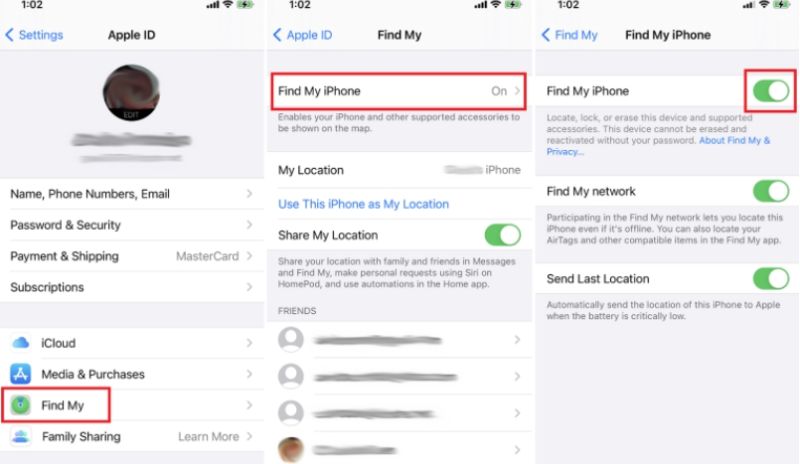
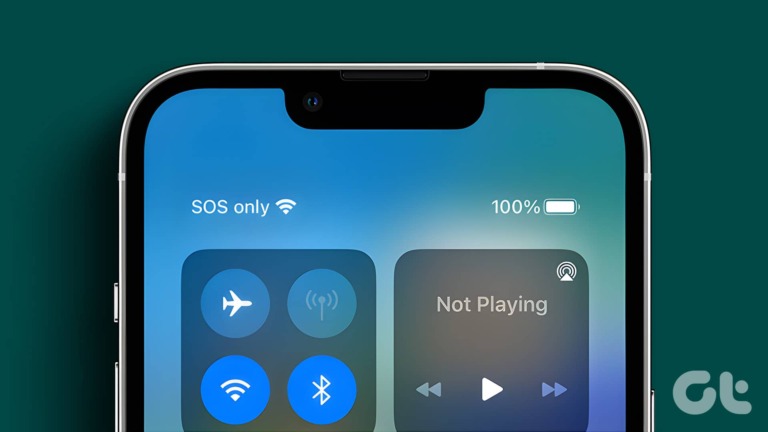
Getting started with or troubleshooting iCloud Private Relay is surprisingly straightforward. The easiest first step is to simply try refreshing the webpage. If that doesn't work, a quick toggle of your Wi-Fi or cellular data can often reset the connection and get things back on track. For a more persistent issue, navigating to your iPhone or iPad's Settings app and then to your Apple ID > iCloud > Private Relay will allow you to see its status and even temporarily disable and re-enable it. This simple act of switching it off and on again is like giving it a quick reboot and often resolves connection problems. It's a really practical tip that many users find effective.
Ultimately, understanding messages like "Safari Can't Connect to iCloud Private Relay" isn't about being a tech wizard. It's about unlocking a feature that offers enhanced privacy and a smoother, more secure browsing experience. When it works, it's a fantastic tool that adds real value to your Apple devices. Even when it needs a little nudge, the solutions are generally simple and easy to implement, making the whole process quite enjoyable and rewarding.