Hey there! So, have you ever been cruising the internet, feeling all incognito, maybe checking out some… interesting… recipes, or perhaps just doomscrolling endless cat videos, and then BAM! Suddenly, things get a little weird?
Yeah, me too. And if you’ve ever used a VPN, you might have had that nagging thought: “Wait a minute. Is my browsing stuff actually hidden when this thing hiccups?” Well, buckle up, buttercup, because today we’re diving into the slightly spooky, but totally understandable, world of what happens when your privacy shield, specifically a VPN relay, decides to take an unscheduled coffee break.
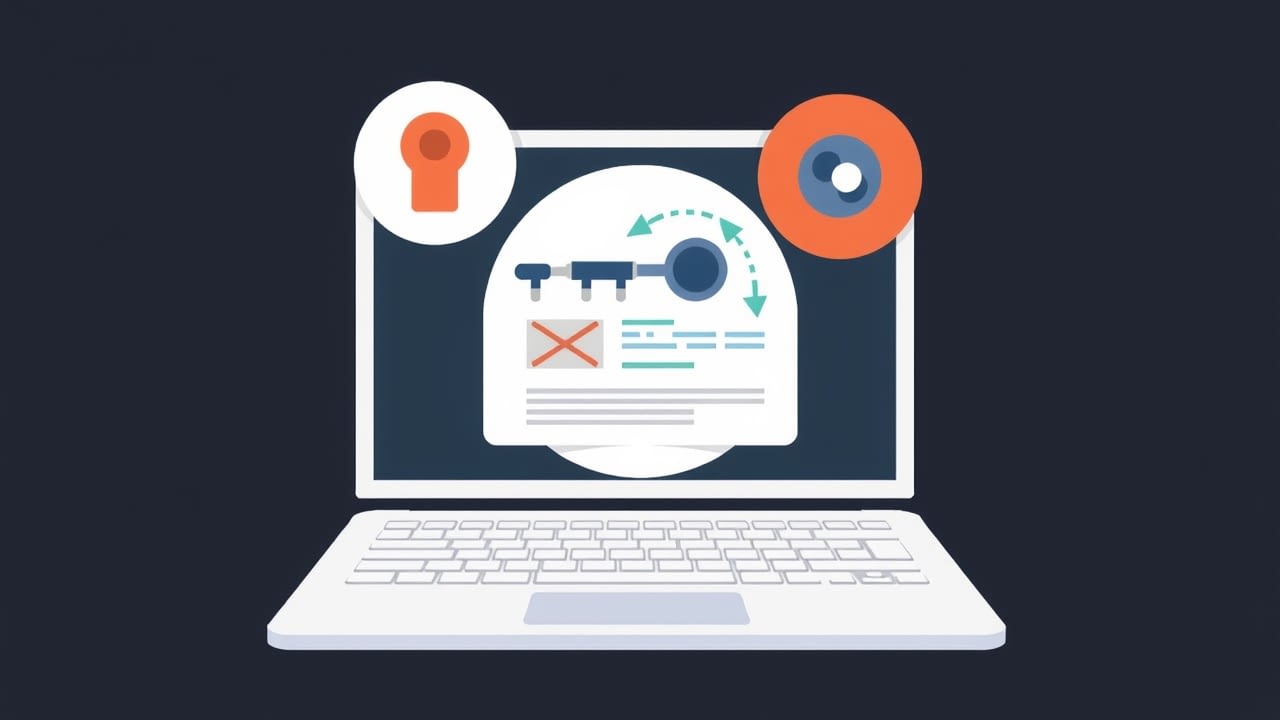
Think of your VPN like a super-secret tunnel. You’re sending all your internet traffic through it. It’s supposed to be this opaque, invisible tube that nobody can peek into. Pretty sweet, right? Your ISP, your nosy neighbor with Wi-Fi hacking aspirations, even governments – poof! They can’t see squat. It’s like having a personalized invisibility cloak for your digital life.
But what happens when that tunnel springs a leak? Or, more accurately, when the entrance to that tunnel, the part where your data first ducks in, has a little glitch? That’s where things can get, well, less than private. It’s like the bouncer at your exclusive club sneezes at the wrong moment, and for a split second, everyone sees who’s trying to get in.
Let’s break it down, because it’s not some nefarious plot by Big Brother to spy on your late-night snack choices. It’s usually just… tech stuff. And tech stuff, bless its little silicon heart, can be fiddly.
The VPN Relay: Your Digital Bodyguard
First off, what is this “relay” we’re talking about? Think of your VPN connection as a journey. Your data leaves your device, zips through the internet, and arrives at its destination. Normally, your VPN encrypts that data before it even leaves your computer. Then, it sends it to a VPN server, which is the “relay.” This relay then decrypts your data and sends it on to the final website or service. Crucially, it also makes it look like the request is coming from the relay’s IP address, not yours. Pretty neat trick, huh?
So, the relay is this crucial middleman. It’s the guy who takes your disguised package, checks the label, and then pops it onto the next bus, making sure nobody can tell it originally came from your house. It’s the secret handshake, the coded message, the whole shebang.
The encryption is the magic spell that scrambles your data, making it look like gibberish to anyone who intercepts it along the way. Your ISP sees you’re connected to a VPN server, but they can’t see what you’re doing or where you’re going. It’s like seeing a delivery truck, but not knowing what’s inside or where it’s headed. Progress!
And then, there’s the IP address masking. This is what makes you appear to be browsing from the location of the VPN server. If you connect to a server in, say, Luxembourg, the websites you visit will think you’re in Luxembourg. It’s your digital passport to a different part of the world, without actually packing a suitcase!
So, when everything is humming along nicely, it’s a beautiful dance of privacy. Your data is encrypted, it’s routed through a server in a far-off land, and your real identity is safely tucked away. Like a ninja, but with better Wi-Fi.
When the Tunnel Gets a Wobbly Bit
But what happens when that smooth ride hits a pothole? A VPN relay failure can happen for a bunch of reasons. Maybe the server is overloaded. Imagine a tiny toll booth trying to handle rush hour traffic – it’s gonna jam up!
Or perhaps it’s a temporary network issue. The internet, as we all know and love (and sometimes curse), can be a bit temperamental. A blip here, a glitch there, and suddenly your digital tunnel might develop a few… drafts.
Sometimes, it’s a software update gone wrong. Developers are constantly tweaking and improving things, which is great, but occasionally, a new update can introduce a bug. It’s like a chef trying a new recipe, and accidentally adding way too much salt. Whoops!
And then there are those random, inexplicable moments. The digital equivalent of finding a sock in the dryer that doesn’t belong to anyone. Sometimes, tech just does what tech does, and we’re left scratching our heads. Isn’t that just… fun?
The Moment of Truth (and Potential Exposure)
Okay, so your VPN connection drops for a sec. What exactly gets exposed? Well, it’s usually not your entire browsing history for the past month. Let’s not go full conspiracy theorist just yet, though I admit, it’s tempting!
The key thing to understand is when the failure happens. If the relay fails after your data has been encrypted and sent, but before it’s reached the destination server, there’s a brief window where things could go awry. It’s like your securely packaged gift being dropped on the sidewalk for a second before being picked up again.

Your Internet Service Provider (ISP) is the primary entity that can see your traffic before it hits the VPN. So, if your VPN connection disconnects, your ISP will suddenly see your unencrypted internet traffic again. They’ll know you’re visiting certain websites, not just connecting to a VPN server. This is the most common exposure point.
Think of it like this: you’re sending a secret coded message to a friend. Normally, you put it in a special encrypted envelope. But if the mail truck breaks down right outside your house, and the mailman has to open your envelope to check something, your message might be seen by a passerby before it gets put back in the truck and delivered. Not ideal, right?
And the website you’re trying to visit? If the connection drops right as you’re about to hit it, the website might log your real IP address, at least for that specific request. This is because the VPN relay wasn’t there to mask it when the request was made. It’s like showing up at a party and accidentally leaving your name tag on the table for a moment.
So, it’s less about your entire online life flashing before your eyes and more about a brief, specific window of vulnerability. It’s like leaving your backdoor unlocked for a minute rather than leaving your entire house wide open for days.
Why This Matters to You (Besides Not Wanting Strangers Reading Your Doodles)
You might be thinking, “Okay, but I’m just browsing cat memes. Who cares?” And for the most part, you’re right! For everyday, innocent browsing, a brief exposure might not be a huge deal. The internet is a pretty chaotic place, and your little bit of traffic might just get lost in the shuffle.
However, if you’re someone who deals with sensitive information – you’re a journalist, an activist, someone in a country with oppressive internet laws, or even just someone who values their online privacy immensely – then even a tiny breach can be a big deal. It’s the difference between a mild inconvenience and a potential security risk.

For instance, if you’re trying to access geo-restricted content, and your VPN glitches, the service might see your actual location and block you. Or worse, if you’re trying to communicate securely, a dropped connection could reveal your IP address to someone you definitely don’t want knowing it.
It’s also about the principle, right? We pay for these services to give us peace of mind, to create that protective bubble. When that bubble pops, even for a second, it can feel a bit… unsettling. Like finding a tiny crack in your favorite coffee mug. You still love the mug, but you’re suddenly more aware of its fragility.
And let’s be honest, sometimes we are looking up things we’d rather keep to ourselves. The secret to the perfect sourdough starter? Your guilty pleasure celebrity gossip? That weird rash you’re hoping Google can diagnose? You don’t necessarily want your ISP to have a record of that, do you?
So, while you’re unlikely to be the subject of a major international incident because of a VPN hiccup, understanding these vulnerabilities is key to being an informed internet user. It’s about knowing the limitations of your tools, so you can use them more effectively.
What Can You Do About It? (Besides Panicking)
Alright, so we’ve established that relay failures can happen and can lead to some exposure. Deep breaths, everyone! It’s not the end of the internet as we know it.
First and foremost, choose a reputable VPN provider. This is huge. The big players usually have more robust infrastructure, better security protocols, and quicker response times to issues. They’re more likely to have automatic kill switches and other features that can mitigate these problems. It’s like picking a well-established airline versus a guy with a homemade biplane. You want reliability!
Many good VPNs offer a kill switch. This is your best friend in this scenario. When the VPN connection drops, the kill switch immediately cuts off your internet access. This prevents any of your unencrypted data from escaping. It’s like a tiny, digital bodyguard who tackles your internet connection to the ground the moment they sense danger. Very dramatic, but very effective.
Make sure your kill switch is enabled and working. Don’t just assume it’s on. Most VPN apps have a setting for it. Give it a little test run if you can (maybe by intentionally dropping your Wi-Fi for a second while the VPN is connected). You want to see that little “Internet Disconnected” message pop up.
Some VPNs also have a feature called “DNS leak protection” and “IPv6 leak protection.” These are important because sometimes, even if your main VPN connection drops, your device might still try to send DNS requests or IPv6 traffic through your regular ISP. These features ensure that all your traffic is routed through the VPN tunnel, or blocked if the tunnel isn’t active. It’s like making sure your ninja cloak has a hood, and not just a scarf.
Keep your VPN software updated. Seriously, don’t be that person who’s running on a version from three years ago. Updates often include security patches and improvements that can prevent these kinds of failures in the first place. Think of it as giving your digital bodyguard a new, high-tech uniform.
And finally, be aware of your surroundings. If you’re on a public Wi-Fi network, especially one you don’t trust, even a momentary lapse in VPN coverage can be riskier. Public Wi-Fi is like a crowded public square – lots of people, lots of potential eyes. Your VPN is your private booth within that square.
The Takeaway: Stay Vigilant, Stay Protected
So, there you have it. The slightly messy truth about what happens when your VPN relay hiccups. It’s not the apocalypse, but it’s a reminder that privacy isn’t a magical, impenetrable force field. It’s a system, and systems can have their weak points.
By understanding how VPNs work and what can go wrong, you can make informed choices about your online security. Choosing the right VPN, enabling its protective features, and keeping things updated are your best defenses. It’s about being proactive, not paranoid. After all, we all want to browse the internet without feeling like we’re leaving a trail of digital breadcrumbs for anyone to follow, right?
So, next time you’re enjoying your private browsing sessions, give a little nod to your VPN relay. It’s doing its best to keep you safe. And if it stumbles for a second? Well, that’s when you’ve got your backup measures ready to kick in. Happy (and safe) surfing!