Ever found yourself browsing for something, only to have ads for that exact item follow you around the internet like a shadow? It’s a little uncanny, right? Well, what if I told you there’s a way to dial down that digital snooping on your iPhone, and it’s built right in? Let’s dive into the fascinating world of mobile security stats and discover how a feature called Private Relay is making a real difference in keeping your online life a bit more private.
Think of it this way: when you browse the web, a lot of your activity can be tracked by advertisers. They build a profile of your interests based on the websites you visit, the searches you make, and even how long you spend on certain pages. This profiling is what fuels those eerily specific ads. The goal of Private Relay, which is part of iCloud+, is to disrupt this tracking process. It acts like a secure, private tunnel for your internet traffic, making it significantly harder for ad trackers to pinpoint your identity and build those detailed profiles.
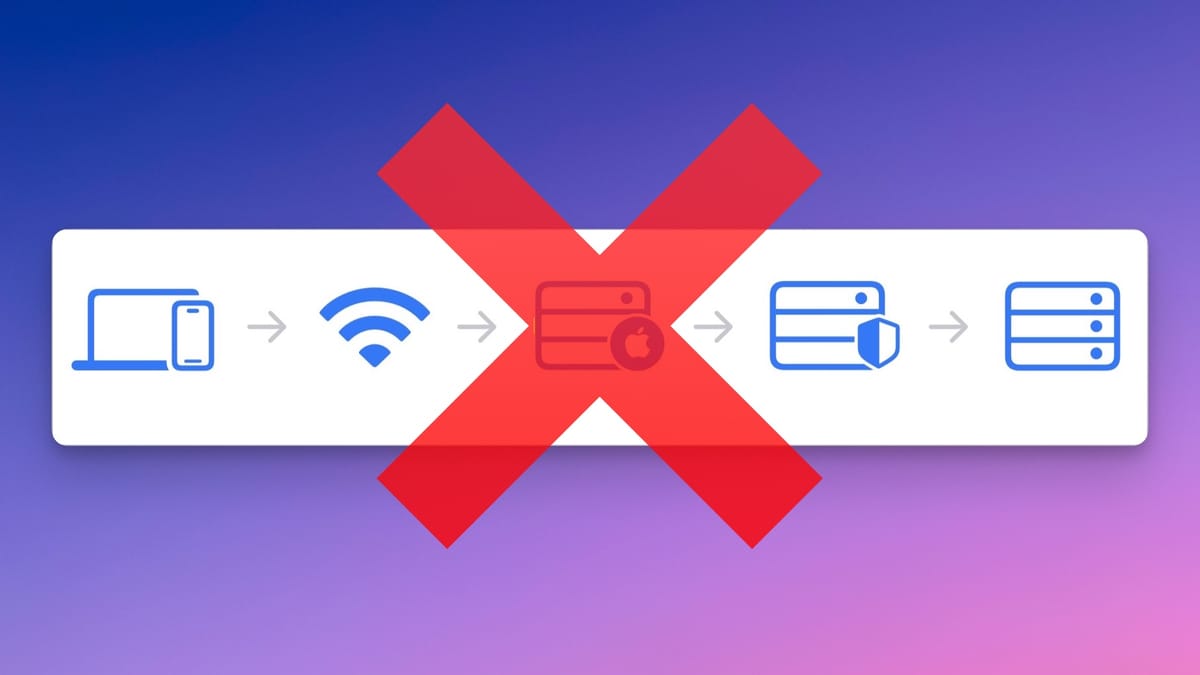
So, what are the benefits? Primarily, it’s about enhanced privacy. Instead of your IP address being directly exposed to every website you visit, it’s masked. Your internet activity is routed through two separate, secure servers. The first server knows your IP address, but not the specific website you’re visiting. The second server knows the website you’re visiting, but not your IP address. This two-hop system makes it much more difficult for websites and ad networks to connect your online actions to your real identity. It’s like sending a letter through a series of trusted intermediaries rather than mailing it directly from your home address.
Imagine you're a student researching a sensitive topic, or perhaps you're a parent looking up health information. In these scenarios, you might not want that information permanently linked to your online profile. Private Relay helps ensure that these searches are less likely to be used for targeted advertising or to influence the content you see elsewhere. In our daily lives, it simply makes the internet a little less intrusive. You can browse news sites, read articles, or even do a bit of online shopping without feeling like you’re constantly being watched and cataloged.
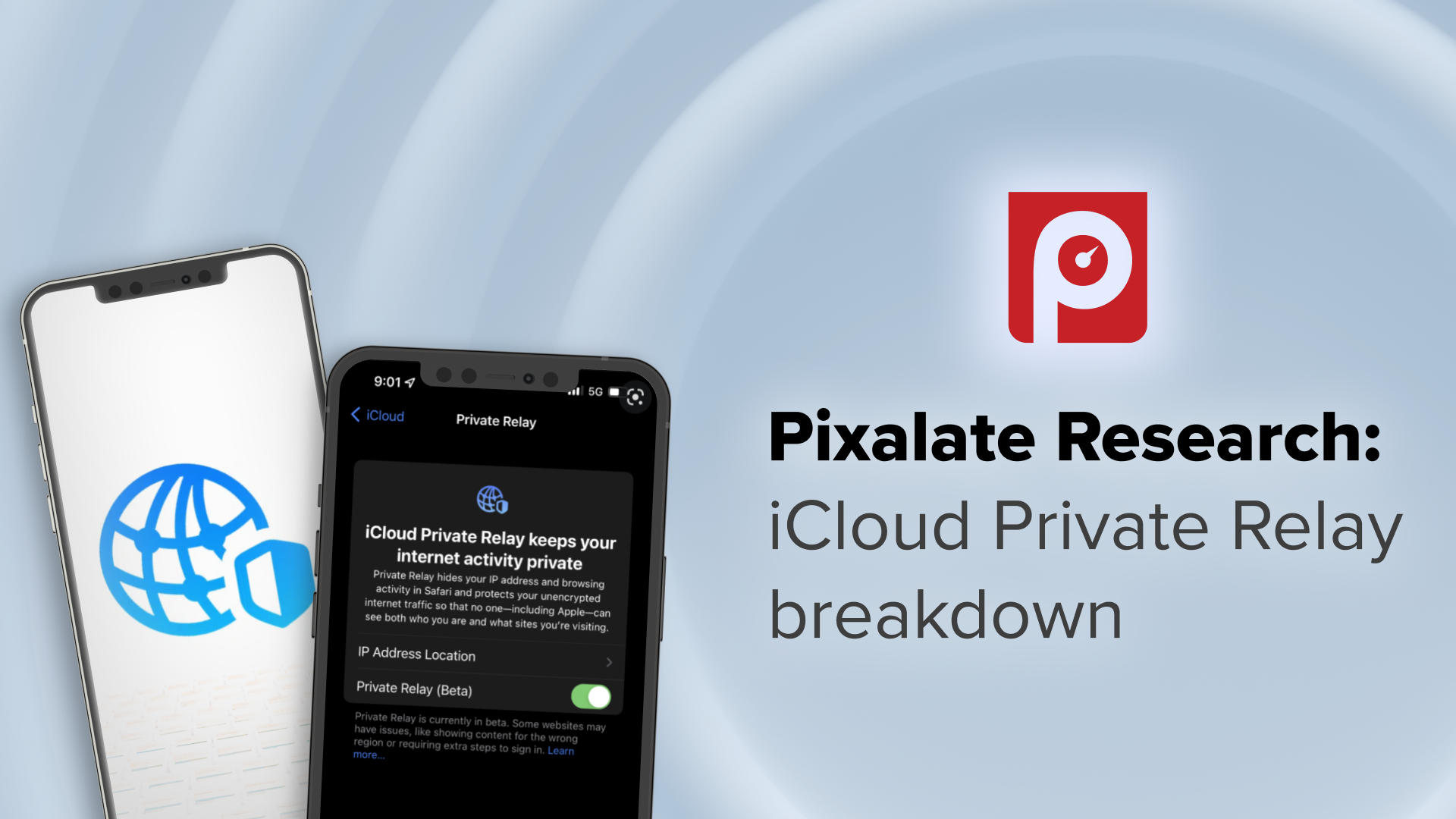
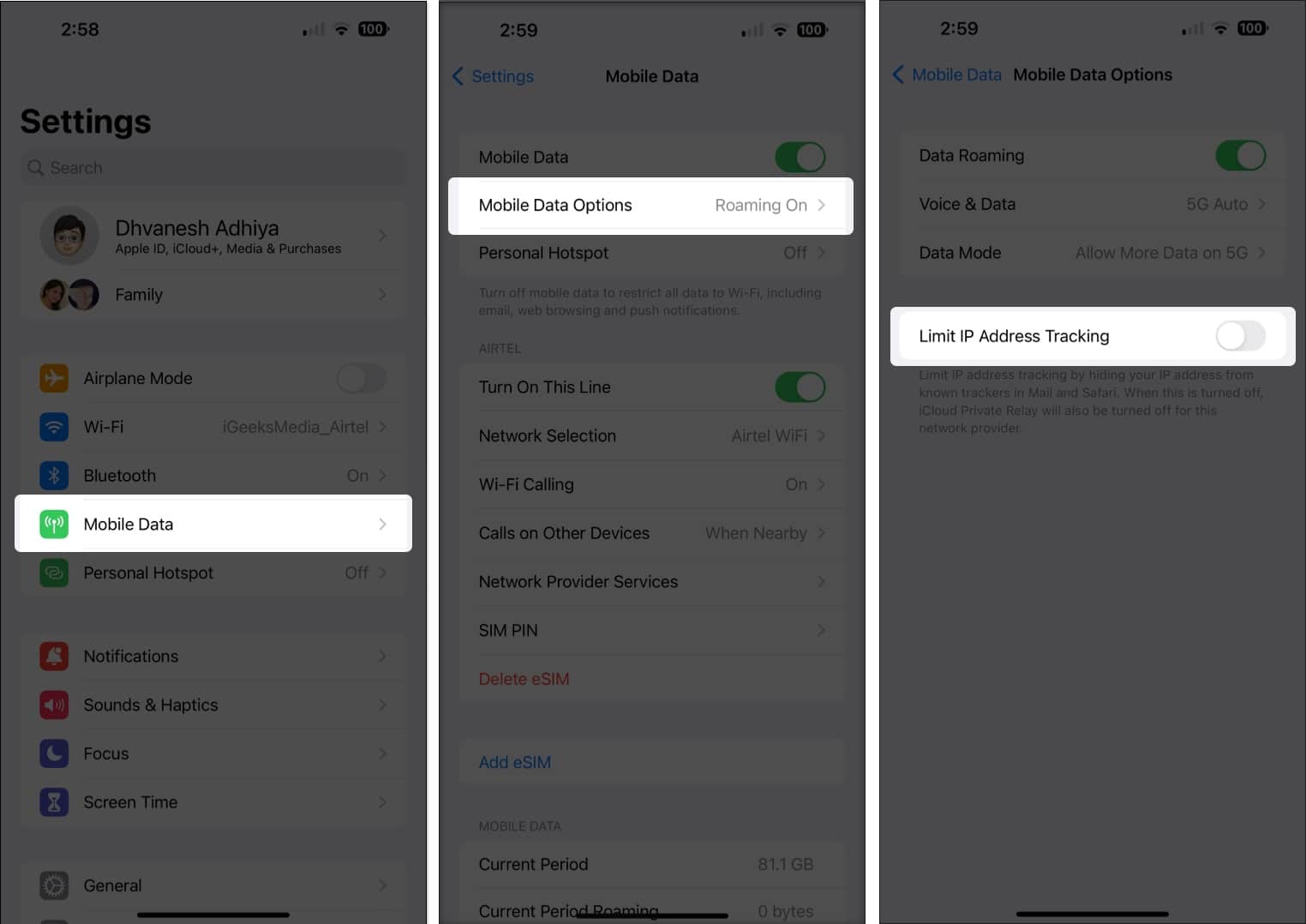
Ready to give it a whirl? It’s surprisingly simple to explore. If you have an iCloud+ subscription, you’ll likely find Private Relay ready to go. Just head to your iPhone’s Settings, tap on your Apple ID (your name at the top), then select iCloud, and finally, look for Private Relay. You can toggle it on and off from there. You can even choose to temporarily disable it for specific websites if you encounter any compatibility issues, though this is rarely needed for most browsing. It’s a fantastic, user-friendly step towards a more private online experience, and it’s all managed right from your iPhone.