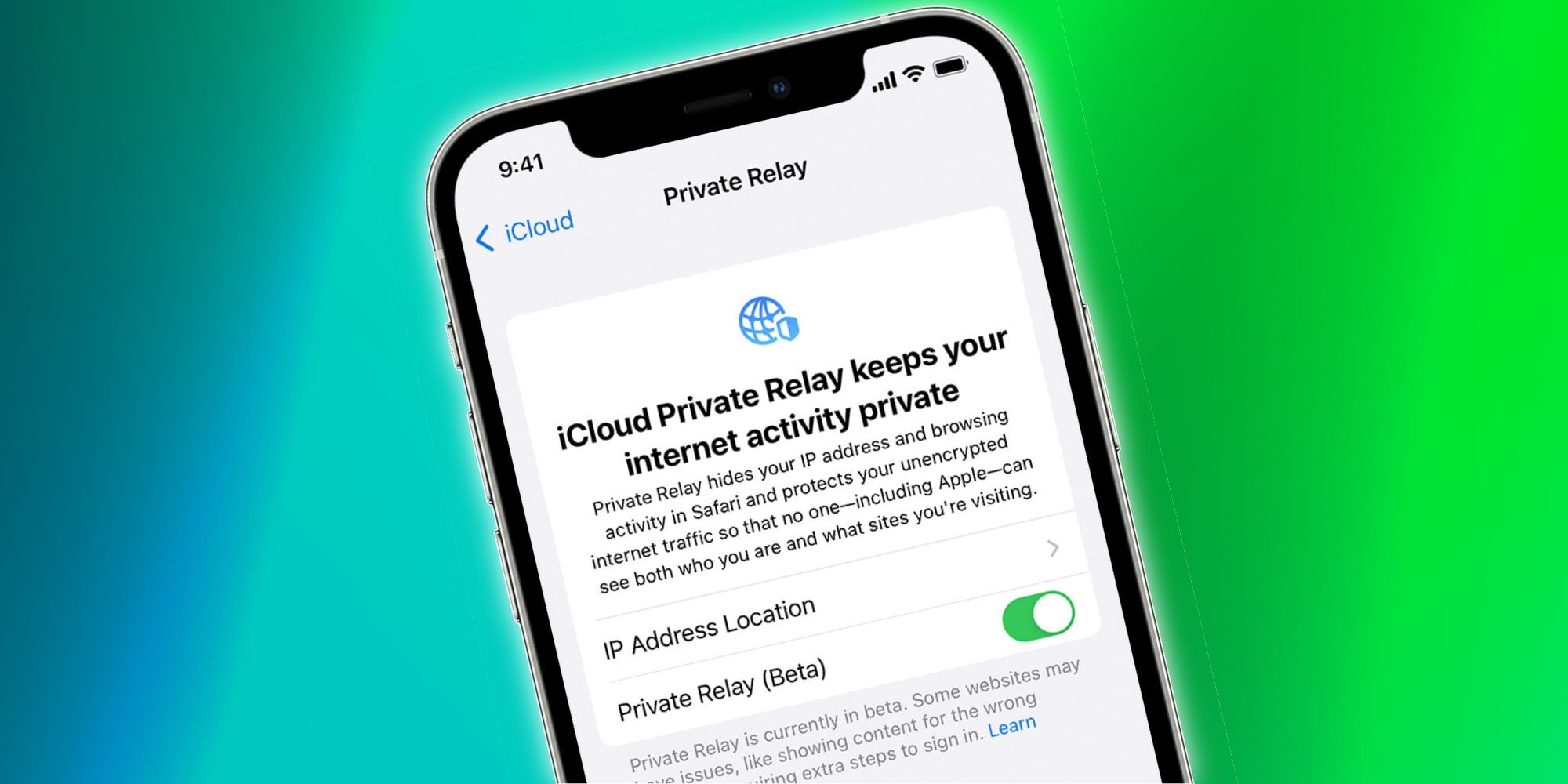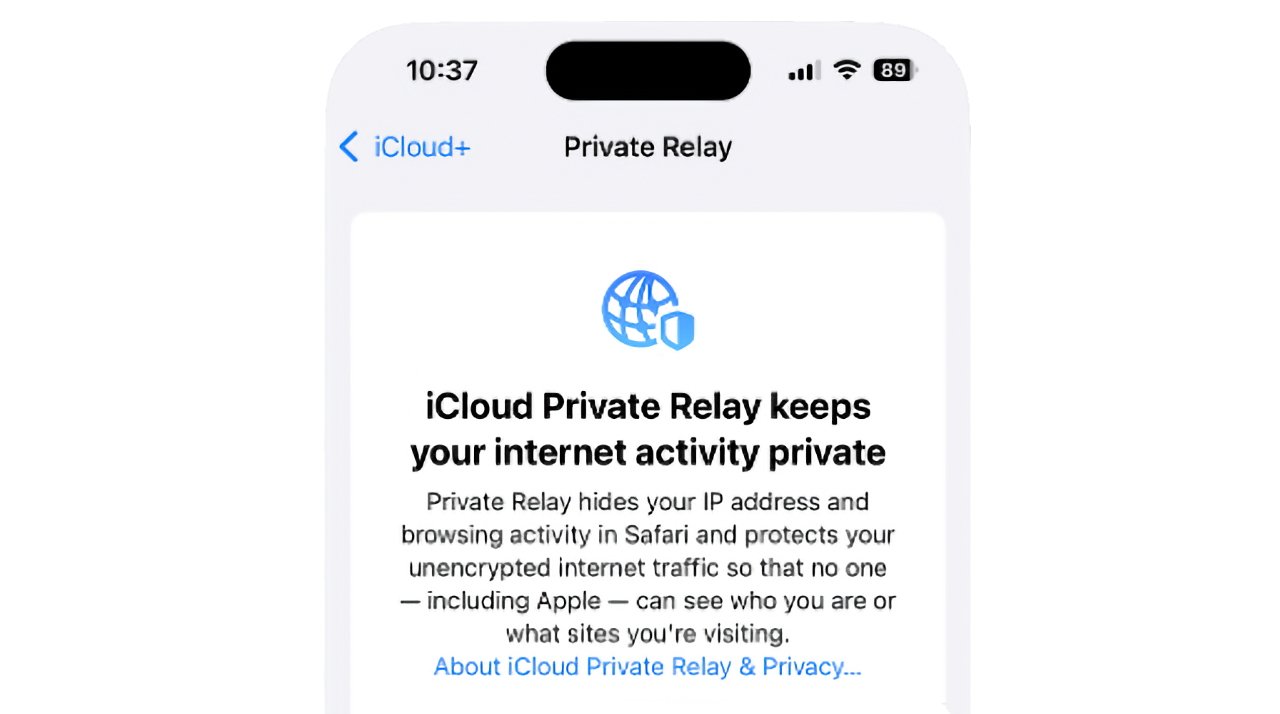
Let's talk about something super cool that your fancy iPhone does, something that makes you feel a little bit like a digital ninja. We're diving into iPhone Privacy 101, and the star of our show today is this magical feature called Private Relay. Now, I know what you're thinking. "Private Relay? Is that like a secret password for my Wi-Fi? Or maybe a tiny bodyguard for my data?" Well, not exactly, but it's pretty darn close.
Imagine this: you're casually browsing the internet. You're looking at cat videos, maybe some questionable fashion choices from the 80s, or perhaps even researching the best way to make sourdough. Websites, bless their data-hungry hearts, like to know where you're coming from. They see your IP address, which is basically your internet's home address. Think of it as the digital equivalent of someone knocking on your front door and saying, "Yup, you're definitely in Des Moines, Iowa!"
Now, for most of us, this might not seem like a huge deal. "So what if they know I'm in Des Moines?" you might grumble. "I'm not doing anything shady!" And you're right, you probably aren't. But here's the thing: some of us just like our privacy. We like our digital lives to be a little bit mysterious, a little bit like a secret agent on a mission. And that's where Private Relay swoops in, like a caped crusader for your browsing habits.
So, what does Private Relay actually do? It's like a clever disguise for your online identity. When you're using Safari (the default iPhone browser) and have Private Relay turned on (which, by the way, is a super easy setting to toggle, and if you haven't, you should totally check it out!), your internet traffic gets a little detour. It doesn't go straight from your phone to the website. Nope. It takes a scenic route, a little digital road trip.
First, your traffic goes through one server. This server basically masks your real IP address. It's like putting on a funny hat and glasses. The website then sees the IP address of that server, not yours. So, instead of "user from Des Moines," it might see "user from a mysterious server in Oregon." Ooh, intriguing!

But wait, there's more! Then, your traffic goes through a second server. This second server is run by Apple itself. And here's the truly clever part: this second server knows where you're trying to go (the website you're visiting), but it doesn't know your original IP address. The first server knows your IP address but doesn't know the final destination. See? It's like a perfect digital game of telephone, where no one person gets the whole story.
This means websites can't accurately pinpoint your exact location anymore. They might get a general region, sure. They might know you're somewhere in the United States, for instance. But they won't know you're sitting on your couch in that cute little town with the artisanal cheese shop. They won't know you're in your favorite coffee shop, sipping on a latte and pretending to work. They just get a vague idea, a digital whisper of your presence.
Why is this a good thing? Well, think about it. Ever felt a little creeped out when an ad pops up for something you were just looking at? It's like the internet is a little too attentive sometimes. While Private Relay isn't designed to stop all targeted ads (that's a whole other can of worms!), it does make it harder for websites to build a super-detailed profile of your browsing habits tied directly to your specific location. It adds a layer of anonymity, a digital velvet rope around your personal online space.

It's like when you're at a party, and you don't want everyone to know your exact address, so you just tell them you're "in the neighborhood." Private Relay does that for your internet traffic. It makes you "in the digital neighborhood" rather than "at 123 Privacy Lane, Anytown, USA."
And let's be honest, sometimes you just want to browse without feeling like you're under a microscope. Maybe you're doing some "research" that you don't want your Aunt Carol to know about. Maybe you just like the feeling of being a little bit more in control of your digital footprint. Private Relay gives you that little extra peace of mind, that subtle wink to the digital world that says, "I see you, but you don't really see me."

It’s part of Apple's commitment to privacy, and honestly, it's one of those features that feels like a bonus. You're already paying for your iPhone, and then it throws in this extra layer of digital cloak-and-dagger action. It’s like buying a pizza and getting a free movie rental. Who doesn't love that?
So, next time you're surfing the web on your iPhone, and you have Private Relay enabled, just imagine those websites scratching their heads, trying to figure out where you really are. You're not just a user; you're a digital phantom, a whisper in the wind. And that, my friends, is pretty darn cool. It’s a small step, perhaps, but it’s a step towards a more private and less tracked online experience. And in a world that feels increasingly watched, that’s a breath of fresh air.